Revit Tutorial Masterclass — Model Full Buildings & Produce Working Drawings in Weeks
Enroll Now
Revit Tutorial Masterclass

Go from opening Revit for the first time to handing a client a complete working drawing set.

A structured, video-based course for architects, builders, civil engineers and property developers who want to model full buildings and produce professional working drawings — without classrooms, traffic, or a mentor down the street.

SAVE $36.21 — bonuses worth $531.49 included today
⏱ 24-hour flash discount — price rises when the timer below hits zero
WATCH — THIS VIDEO
Before You Click Away Read this

Every one of these has cost someone a job or a contract.

A

You went to an interview, presented your portfolio, and got a polite "we'll get back to you" — that never came.

B

You submitted a proposal as a self-employed professional and lost the client to someone with cleaner drawings.

C

You're stuck shuttling between AutoCAD and Revit because no one taught you to produce a full working-drawing set in one software.

D

You don't know anyone nearby who uses Revit, and you can't justify the transport cost to find out.

E

Your schedule is full — full-time job, site visits, family — and evening classes across town aren't realistic.

F

You've never touched AutoCAD or any architectural software, and every course you've seen assumes you have.

— What's Inside

Everything you need to model a building and issue a working drawing set.

Twenty-plus video lessons, taught in the order you'll actually use them — from your first blank project to a client-ready PDF.

01Understanding the Revit user interface
02Preparing a Revit environment from an existing project template
03Starting a new Revit project from scratch
04Customizing Revit shortcuts and hotkeys
05Advanced Revit modelling techniques
06Attaching and cutting walls to roofs cleanly
07Converting Revit drawings to PDF for clients
08Modelling a full building step by step
09Creating concrete fascia using sweep
10Four ways to move elements around in Revit
11The fundamentals of working drawings — and how to produce them
12Editing grid bubbles, section heads and annotation
13Building a custom title block from scratch
14Placing drawings correctly onto a title block
15Importing drawings from AutoCAD
16Exporting to AutoCAD, 3ds Max and Lumion
17Rendering photorealistic 3D views
18Reloading and managing Revit families
19Creating door and window schedules
20Conceptual massing in Revit
21V-Ray for Revit — photorealistic rendering
22...plus new lessons added as Revit updates
Student outcomes

Students learning entirely from these video lessons — no classroom, no site visit.

Student model produced after Revit Tutorial Masterclass
Revit Tutorial Masterclass students
Samuel, Revit Tutorial Masterclass student
1,000+Students taught
2010Instructor using Revit since
1–3 wksTypical time to competence
30 daysMoney-back guarantee
In their own words
Testimonial from Aderemi
Aderemi
Testimonial from Grace Azanga, Cameroon
Grace Azanga — Cameroon
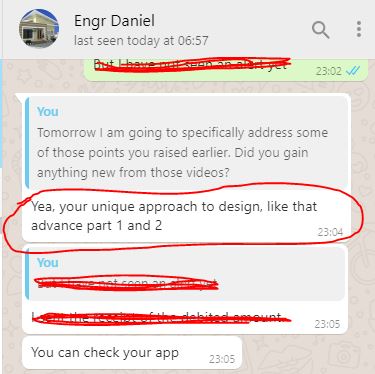
Testimonial from Engr. Daniel
Engr. Daniel
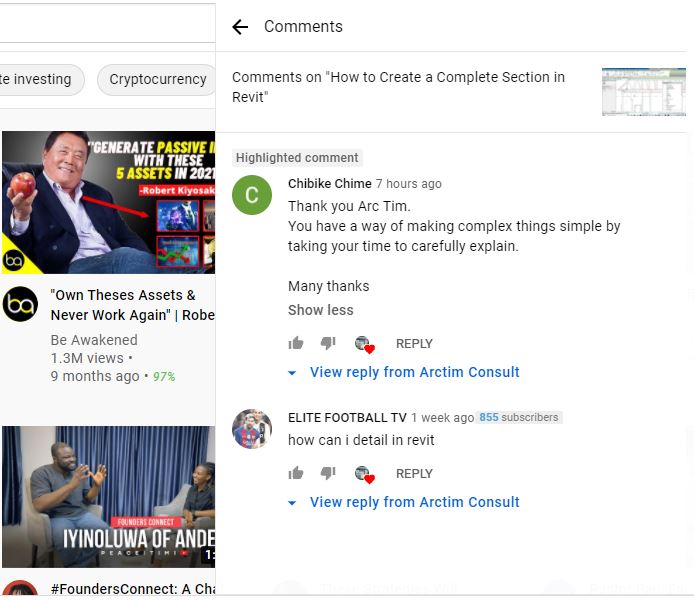
Testimonial from Chibike Chime
Chibike Chime
Testimonial from Aziegbe Obehi
Aziegbe Obehi
Testimonial from Udemy student
Udemy student
Engr. Glory
Arc. Abenja Michael
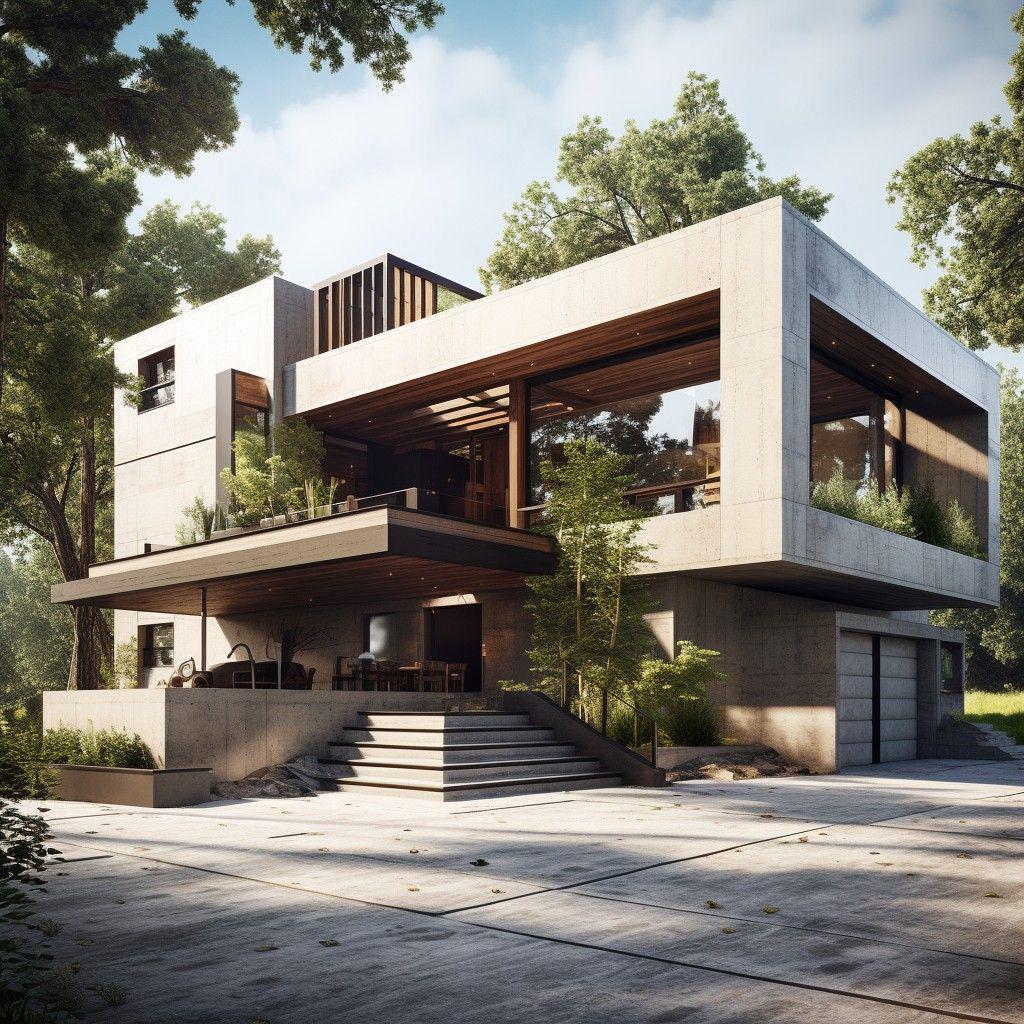
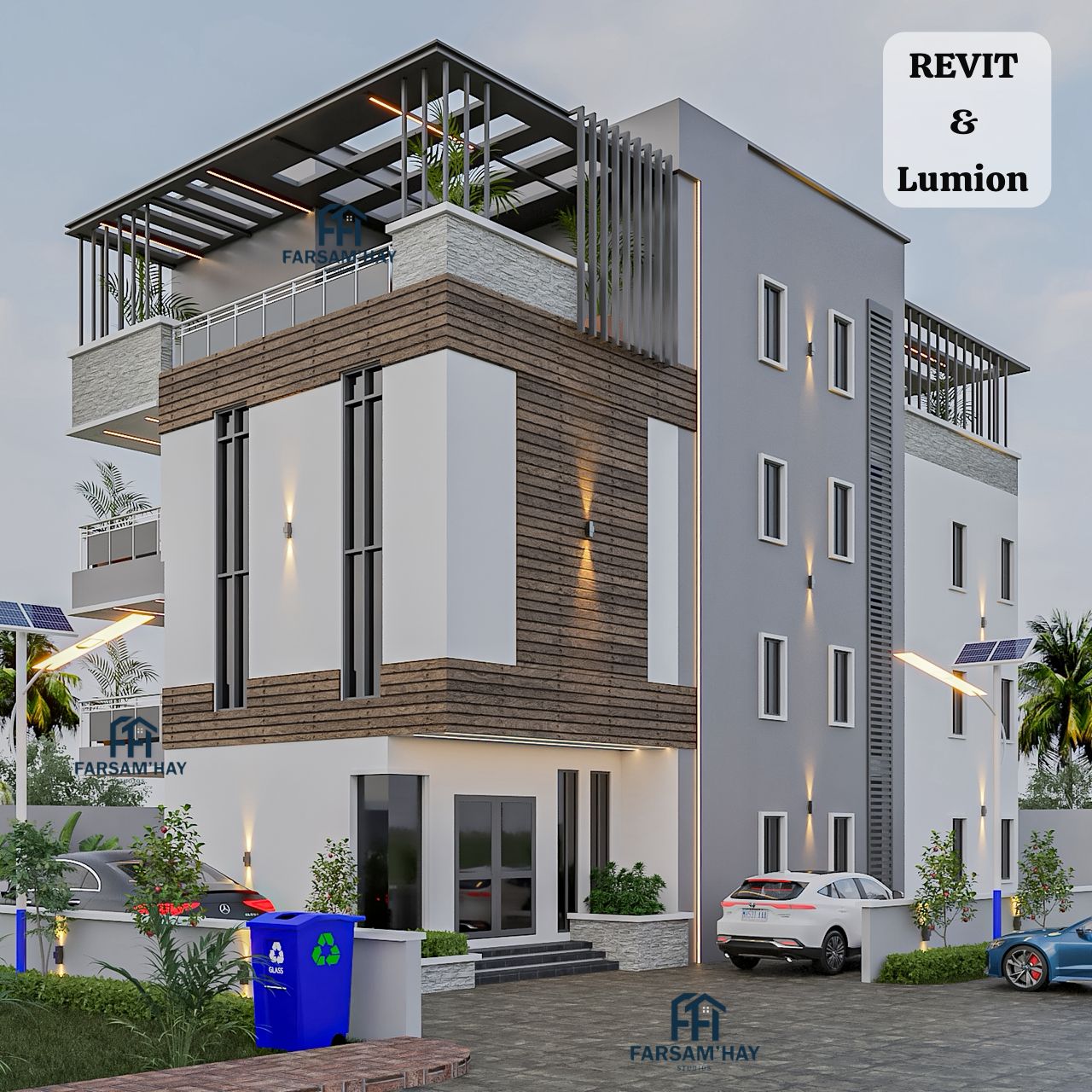
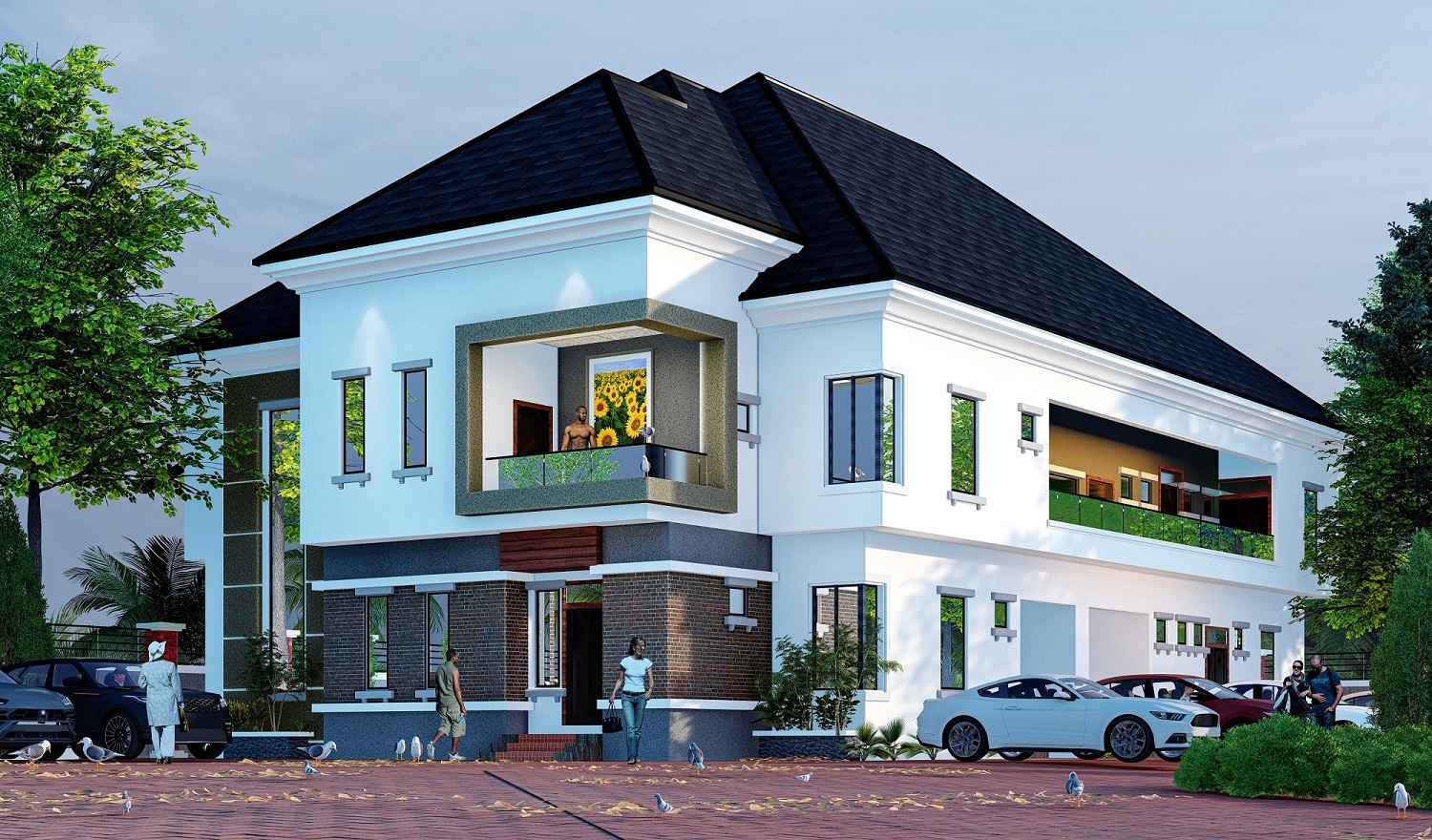
Built entirely in Revit

A look at the level of model and render this course trains you to produce.
Timothy Omatule, Revit instructor
Who's teaching you

Timothy Omatule

I've used Revit Architecture since 2010. I started on AutoCAD, but Revit's dual modelling-and-documentation workflow pulled me over — and I've earned my living from it ever since.

Over 1,000 students have gone through this training, including professionals in Cameroon, Sierra Leone and Ghana learning entirely online. I run live Zoom sessions alongside the videos so nothing you're stuck on stays stuck.

— Timothy
Today's price

Revit Tutorial Masterclass

Lifetime-relevant skill. One year of access, updates and direct support included.

$40.00 $25.00
One-time payment · price rises in 45 minutes
--Days
--Hours
--Mins
--Secs
Grant Me Access Now →
✓ Protected by a full 30-day money-back guarantee
Fast Action Bonuses
Custom Revit families

My Custom Revit Family Library

Pre-built Revit families ready to load into your own projects — no more "family not loaded" errors.
Bonus value: $61.55

Raw Revit project file

Raw Revit Project File

The complete, unlocked source file behind the 3-bedroom block of flats shown above.
Bonus value: $43.45

Official Autodesk Revit trial install guide

Install & Activate Your Free Autodesk Trial

Step-by-step video for downloading and activating the official free Revit trial from Autodesk.
Bonus value: $14.48

PDF conversion tool

PDF Setup for Client Delivery

Get your drawing sheets converted and packaged as clean PDFs, ready for a client.
Bonus value: $10.86

WinRAR utility

WinRAR Utility

The free extraction tool you'll need while setting up Revit and your course files.
Bonus value: $3.62

Payment Details

How to Make Payment

Option 1 — SELECT YOUR OWN LOCAL CURRENCY BELOW

Use the secure payment link below to pay instantly.

Revit Tutorial Masterclass

Gain Access to Revit Tutorial Masterclass

$ 25.00

🔒 Secured by

After payment, send your payment details to omatuletim@gmail.com or WhatsApp 08062882635.

Option 2 — Instant access with your card (Paystack)

VisaMastercardVerveAmex
Grant Me Access →
Outside Nigeria

Paying in US Dollars or your local currency? Use any of the platforms below, then send proof of payment to omatuletim@gmail.com or WhatsApp +2348062882635.

How to pay through Selar
30 day money back guarantee

You carry none of the risk. I do.

Enroll today. If in 30 days you feel this course didn't deliver the value you expected, message me directly at +234 806 288 2635 and I'll process a full refund — no argument, no delay.

Frequently asked

Before you enroll

How is the class actually run?
Every lesson is a downloadable video you can watch on your own schedule. Alongside that, you're added to a WhatsApp and Telegram group and invited to live Zoom sessions to clear up anything the videos didn't answer.
I've never used AutoCAD or any design software. Can I still learn?
Yes. You don't need prior knowledge of AutoCAD to learn Revit The course is built for complete beginners as well as intermediate Revit users — lessons start from the interface itself, not from an assumed baseline.
How long until I'm actually competent in Revit?
Students who treat it like a full-time short course — a few focused hours a day, no distractions — get functional within a week. With a busier, divided schedule, plan for two to three weeks. It scales with the time you give it.
How long do I have access, and what happens after?
You get one full year of access to all training materials plus direct contact with me for any Revit question. Access renews after the year if you'd like to continue.
I'm outside Nigeria — can I still pay and join?
Yes — current students include professionals in Cameroon, Sierra Leone and Ghana. International payment options are listed in the payment box above, including card payment in US dollars.
I don't have Revit installed yet — what do I do?
Once you enroll, you'll get a video walkthrough for downloading and activating the official free trial directly from Autodesk, plus my custom family library to load in once you're set up.