An Architect With 16 Years Experience in the Use of Revit Reveals a Simple 4-Step Method That Helps Architects, Civil Engineers and Builders Fix the "Revit Error: Network License Not Available" — In Under 10 Minutes
Published: 06 June 2026 | Posted by Admin | Category: Revit Troubleshooting

You sat down to work. Deadline is close. Client is waiting. You double-click Revit — and your heart drops.
There it is. Again.
"Revit Error: Network License Not Available."
Not today. Please. Not today.
You close it. You relaunch it. Same message. You restart your computer — the whole machine. You wait. You breathe. You double-click again.
Same. Exact. Error.
Why is this happening? I didn't change anything. I didn't touch the settings. Why won't it just work?
You open Google. You type the error. You click the first result. It takes you to some Autodesk forum from 2019. The answer doesn't make sense. You try anyway. It doesn't work.
You go to YouTube. You search "Revit network license error fix." You find a video. The guy's screen doesn't look like yours. His version is different. His steps don't match. You spend 40 minutes watching. Still broken.
Maybe I'll just wait. Maybe it'll fix itself.
It doesn't fix itself. It never fixes itself.
Meanwhile, your client is calling. Your project deadline has moved from "soon" to "now." Your boss — or worse, your client — is asking why deliverables are late. And you are sitting there, powerless, staring at a red error message.
You're not a software engineer. You're an architect. A civil engineer. A builder. You didn't sign up for this. You signed up to design buildings, solve structural challenges, and deliver great work. Not to fight with a licensing system.
I've spent so many hours on this. Hours I'll never get back. And I still don't have an answer.
Maybe you've tried calling your IT guy. He didn't know what to do either. Maybe you've tried reinstalling Revit entirely — three hours wasted — and the error came back the very next day. Maybe you've tried asking colleagues, posting in groups, reading forum threads written in language that feels like a different planet.
Nothing. Works.
And the worst part? You're not sure if the problem is your internet. Or your computer. Or your license. Or something Autodesk did on their end. You don't know. And not knowing makes it ten times worse.
Am I the only one struggling with this? Is there something wrong with me?
No. You are not the only one. Thousands of architects, civil engineers and builders all over Africa, India, and the world have sat in the exact same chair, staring at the exact same error, feeling the exact same frustration.
But today... that changes.
Drop everything you are doing now and listen to every word I'm about to say.
This method has been around for half a decade. It's not a hack. It's not a workaround. It is a clean, simple, step-by-step process that gets to the root cause of the Revit license error and eliminates it — completely — in minutes.
And yet, almost nobody in the AEC world knows about it. Not because it's secret. But because nobody took the time to package it in a way that a busy architect or builder could simply pick up and apply.
Until now.
Hi. My name is Timothy Omatule. I am a licensed architect and experienced 3D visualizer with over 16 years of professional Revit practice. I have designed buildings from simple residential homes to large commercial and institutional projects. And I have taught hundreds of architects, civil engineers and builders how to use Revit to model buildings for themselves and their clients.
First thing you should know about me: I am a Revit user who struggled with Revit license errors for a very long time. I know exactly what that frustration feels like — because I lived it. For years.
But let me tell you the story from the beginning. Because this story is not just mine.

His name is Jonathan. He lives in Italy. He's a civil engineer by training, but like many engineers across Europe and Africa, he picked up Revit because clients began demanding 3D models and BIM deliverables. Nobody taught him. He figured it out on his own — slowly, painfully, one YouTube video at a time.
For a while, it worked. Revit opened. He modelled. He delivered. Life was good.
Then, one ordinary Tuesday morning, he sat down, double-clicked Revit, and saw it for the first time.
"Network License Not Available."
He assumed it was temporary. He restarted his machine. Went to make coffee. Came back. Launched Revit again.
Same error.
Okay. Weird. I'll figure it out later.
He had a project due that week. A client in Milan — a real estate developer — was waiting on floor plans, elevations, and a 3D walkthrough. Jonathan had promised to deliver by Friday. It was Tuesday. He had three days.
He opened Google. He typed the error. He found an Autodesk forum. Someone had posted a "solution" involving the LMTOOLS utility and something called a license server daemon. Jonathan had no idea what any of that meant. He tried following the steps anyway. Nothing changed.
He found a YouTube video. The presenter had a different version of Revit. His screenshots didn't match Jonathan's screen. After 45 minutes, Jonathan gave up and closed the tab.
Wednesday came. The error was still there.
I'll call Autodesk support. They'll fix it.
He called. He was put on hold for 38 minutes. When someone finally answered, they walked him through a process that took another hour and a half. At the end of the call, Revit still wouldn't open.
"We'll need to escalate this to our technical team," the support agent said. "Someone will follow up within 3 to 5 business days."
Three to five business days. I have one.
He called his client in Milan. He explained that there was a "software issue." The client was not pleased. He gave Jonathan a one-day extension — Saturday — and made it very clear there would be no second extension.
That night, Jonathan couldn't sleep. He lay in bed doing the math. This one project, if he lost it, was €1,200 in fees gone. But worse — it was his reputation. His client had referred two other developers to him. If he delivered late, those referrals evaporated. That was another €3,000 minimum. All because Revit wouldn't open.
He called his colleague Marco the next morning. Marco was also a Revit user — not an expert, but experienced enough. "Just reinstall it," Marco said. "That usually fixes these things."
So Jonathan uninstalled Revit. Completely. All 23GB of it. Then he downloaded it again — a process that took four hours on his connection. He reinstalled. He launched.
The error was back. Word for word.
I am going to lose this client. I am going to lose everything.
Thursday. He tried three more things. He disabled his firewall — nothing. He checked his internet connection by running other software — everything worked fine. He found a Reddit thread suggesting he edit the Windows hosts file. He edited it. He rebooted. Same error.
By Thursday evening, Jonathan was sitting in front of a blank screen, Revit closed, no idea what to do next. He opened Facebook — not even to look for a solution, just to distract himself for a few minutes.
And that's when he saw it.
A post in an architecture group he'd been a member of for years but rarely engaged with. Someone had shared a post by an architect named Timothy Omatule about Revit license errors. The caption said: "This error is fixable in under 10 minutes. Here's exactly why it happens."
I've heard that before. Everyone says they have the answer.
But Jonathan was desperate. He clicked. He read the post. Something about the way Timothy explained it was different. No jargon. No technical complexity. Just a clear, calm explanation of exactly why the error occurs — and a simple method for resolving it.
Jonathan sent Timothy a direct message. He expected nothing. At most, a generic reply after a few days.
Timothy responded within two hours.
They got on a voice call. Jonathan explained everything he had tried. Timothy listened without interrupting. Then he said something Jonathan never forgot:
"Jonathan, everything you tried — the reinstall, the forum advice, the LMTOOLS steps — those are all treating the symptom. Nobody showed you the root cause. Once you see it, this fix takes ten minutes. Ten. I promise you."
Jonathan was skeptical. After four days of failed attempts, "ten minutes" sounded like a fantasy. If Autodesk's own support team couldn't fix it in 90 minutes, how is this man going to fix it in ten?
But he had no other option. He said, "Okay. Show me."
Timothy walked him through the method. Step one. Step two. Step three. Step four. Each step was simple. Almost embarrassingly simple. Jonathan kept expecting something complicated — some deep technical process — and it never came. The steps were clean. Logical. Fast.
He got to step four. He followed the last instruction. He double-clicked Revit.
The screen went dark for a second.
Then the Revit loading bar appeared.
Jonathan stared. No. That can't be right.
The loading bar filled. Revit opened. Fully. No error. No message. Just the Revit interface, clean and ready, waiting for him to begin.
He felt something he hadn't felt in four days: relief. Not just relief — disbelief mixed with relief. He sat back in his chair and put his hands over his face.
"That's it? That was it the whole time?"
"That's it," Timothy said on the call. He was calm. Unsurprised. He'd seen this reaction before.
Jonathan delivered his Milan project on Friday — a day early. His client was impressed. The referrals stayed. He didn't lose a single euro.
That week, Jonathan shared Timothy's method with two other engineers in his professional network — Emmanuel from Lagos, who had been struggling with the same error for three weeks, and Priya from Chennai, who had been using a colleague's computer just to avoid the error on her own machine.
Emmanuel applied the method. Revit opened in eight minutes. He sent Jonathan a voice note: "My brother, I have been suffering since January. Eight minutes. Eight minutes!"
Priya followed the steps from her own laptop. Within 10 minutes, she was back on her machine, working independently for the first time in weeks. She sent a simple message: "It worked. Thank you. I'm crying a little."
That is when Timothy knew this method needed to reach more people. Far more people.
After Jonathan's story spread in his network, Timothy began getting messages almost every day. Engineers from Ghana. Architects from Lagos. Builders from Nairobi. Students from Chennai and Mumbai. All with the same error. All desperate for the same answer.
For weeks, Timothy helped them one by one — calls, messages, screen shares. But he couldn't keep up. There were too many people and not enough hours in the day.
So he did the only sensible thing.
He sat down and recorded everything. Every step. Every explanation. Every thing to look for and every thing to avoid. He put it all — the full method, the exact sequence, the tools to use, how to know it's working — inside one simple video guide that anyone can follow from any device, anywhere in the world.
Introducing...
How to Fix Revit Error: Network License Not Available
The Revit License Error Fixer Method — A 4-Step Simple Video Guide
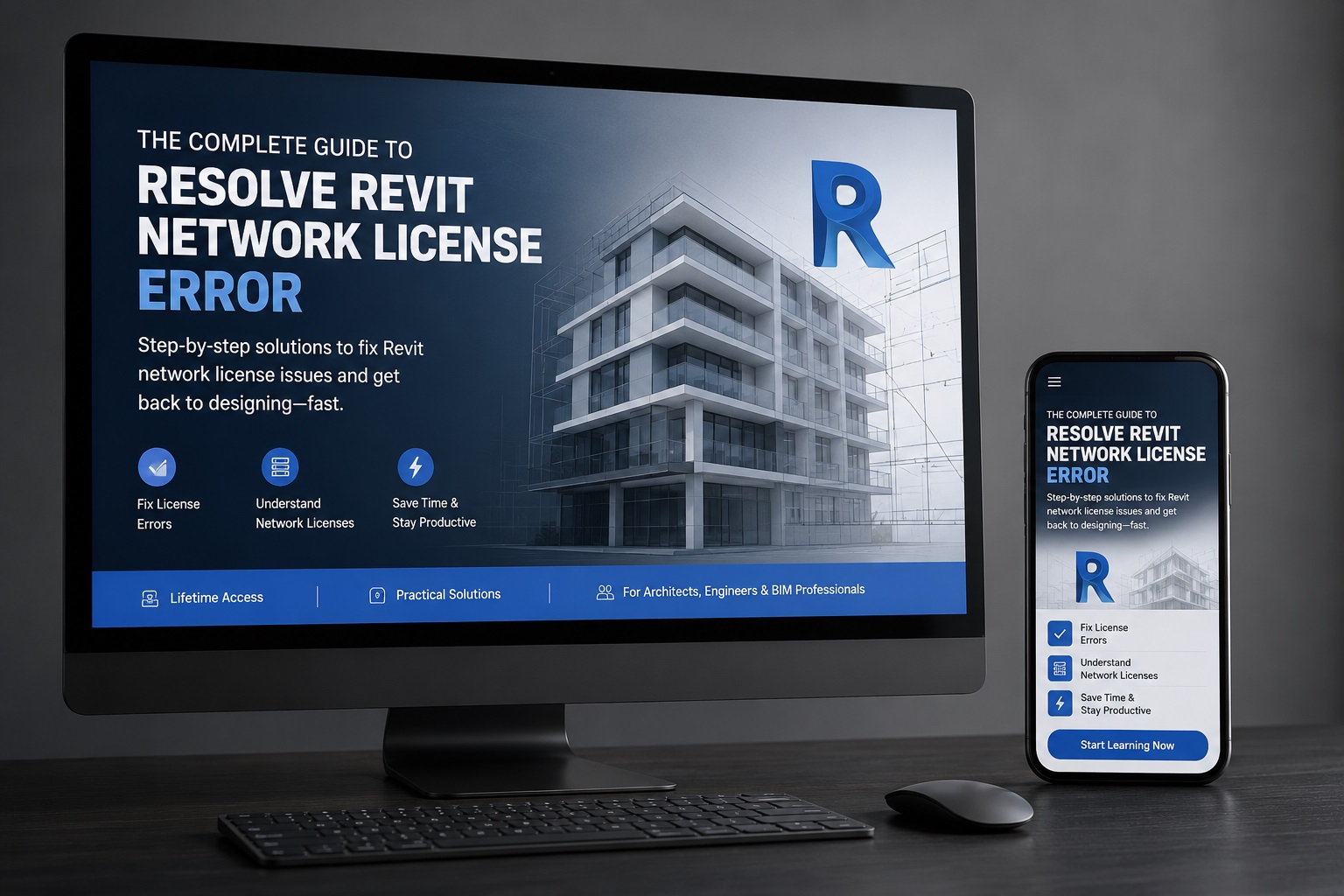
Inside This Video Guide, You'll Discover:
| ✓ Accessing the right Windows settings panel to prepare your system |
| ✓ The preparation process — critical, do not skip this |
| ✓ Unpacking the license fix toolkit — you will need Bonus #2 here |
| ✓ The fixing proper — applying the method step by step |
| ✓ The moment of truth — launching Revit to confirm the error is gone |
| ✓ Securing your system so the fix stays permanent |
| ✓ Final configuration step to protect the fix |
| ✓ Confirming everything is in place — your Revit is now ready |
Real People. Real Testimonials.
 Chennai, India · 1 week ago
I was using my colleague's laptop for three weeks because my own machine kept showing this error. I almost gave up on Revit entirely. A friend shared Timothy's guide. I followed the 4 steps and Revit opened on my own machine for the first time in nearly a month. This is the best $5 I have ever spent on my professional life. Thank you so much.
 Accra, Ghana · 2 weeks ago
Herh! This guide saved me. Honestly. I was on the verge of telling my client I can't deliver. The error showed up the morning of my deadline. Bought this guide, followed it, Revit was running in 9 minutes. I met my deadline with 2 hours to spare. Timothy is a legend. No cap.
 Abuja, Nigeria · 2 weeks ago
I'm an architect and I had been battling this error for 6 days. My IT department said they'd look at it "when they get a chance." I couldn't wait. Bought Timothy's guide on a Saturday evening. By 8pm, Revit was open and I was working. Very practical, very clear. Highly recommend.
Mumbai, India · 3 weeks agoMy Revit was showing this error for two weeks. I was copying files to a colleague and working from his machine — very inconvenient. I found this guide, applied the 4 steps, and Revit was working in 8 minutes. Eight minutes to end two weeks of stress. The guide is worth 100x the price. Truly.
Share Your Experience
Got results? Tell others about it. Your review will be sent directly to Timothy via WhatsApp.
Clicking submit will open WhatsApp with your review pre-filled. Just tap Send.
Just So You Know... Putting This Guide in an Easy-To-Understand Format Cost Me Over $50.
People ask me all the time: "Timothy, why are you charging so little for this?" Let me be honest with you about what went into creating it.
| • Creating and editing the step-by-step video — hours of recording, reviewing, re-recording, and editing to make it simple enough for any professional to follow. |
| • Uploading and hosting the video content on a reliable platform so you can access it from any device, anytime, without it buffering or breaking. |
| • I bought some of the bonuses I'm going to share with you — tools that I personally vetted and paid for so you don't have to hunt for them or risk downloading the wrong version. |
In total, the investment I made to create this resource and make it available to you came to over $50.
Now — I could have priced this guide to recover that cost and make a profit. A reasonable price for something that saves you thousands of dollars in lost contracts and days of wasted time would easily be $50. Maybe more.
But I'm not going to do that.
I won't even charge you
Not even
In fact, you won't even pay
 THIS DISCOUNTED OFFER IS ONLY FOR THE FIRST 50 PEOPLE TO GAIN ACCESS.
After that, the price will be updated upward. HURRY!
Secure Payment · Card, Bank Transfer, USSD, Mobile Money Accepted · Instant Access
WAIT! I Have a FREE Gift For You...
If you're among the first 50 people to gain access... you'll get these amazing BONUSES alongside your package. (TODAY ONLY)
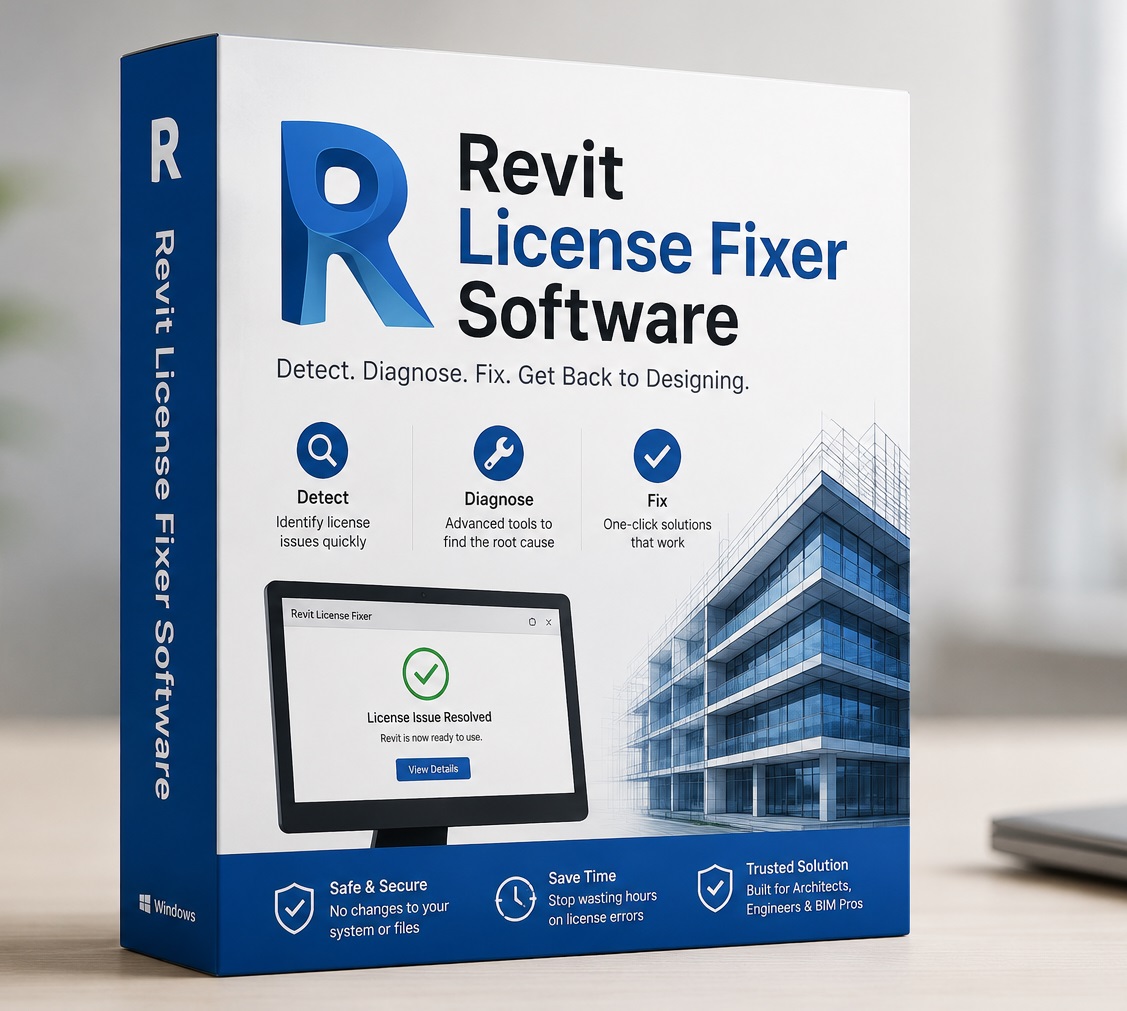
BONUS #1 — Revit License Fixer Software (Value: $20)
A dedicated software tool that automates key steps in the license repair process. Instead of navigating menus manually, this tool does the heavy lifting for you — especially useful if you face this error repeatedly or across multiple machines in your office.

BONUS #2 — Up-to-Date Version of WinRAR (Value: $10)
The latest clean, verified version of WinRAR — the essential file compression tool you'll need to access some of the resources included in this guide. No hunting for it, no risk of downloading a corrupted version. Ready for you from day one.

BONUS #3 — The UCR Method: How to Consistently Acquire More Clients (Value: $27)
This exclusive digital book by Timothy Omatule reveals the same 3-step system he has used for 16 years to build a thriving professional practice — and has shared with architects, engineers, consultants and creatives across Africa, India, the UK and beyond.
Inside, you will discover a proven framework that works regardless of your industry or location — a system designed to position you as the go-to expert in your field, attract better clients, and grow your income consistently.
This book is not sold anywhere publicly. It is Timothy's personal gift to the first 50 people who access this course today.
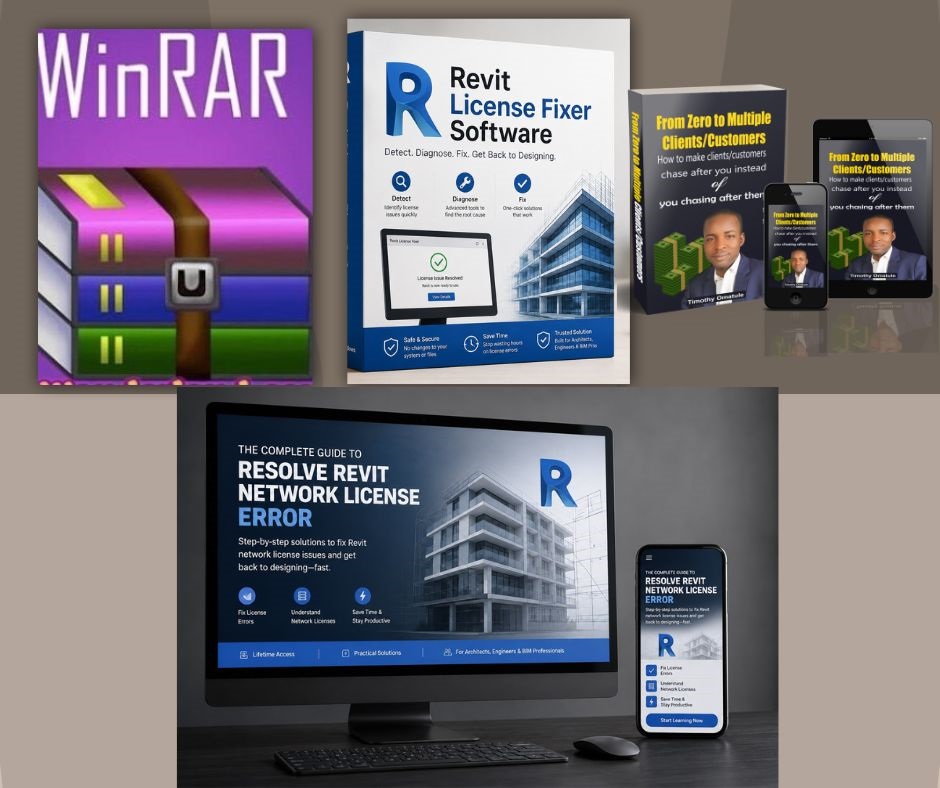
Here is everything you get today:
| Main Guide — How to Fix Revit Network License Error | $10 |
| Bonus #1 — Revit License Fixer Software | $20 |
| Bonus #2 — Up-to-Date WinRAR | $10 |
| Bonus #3 — The UCR Method Book | $27 |
| Total Value | $67 |
| You Pay Today | $5 |
First 50 people only at this price · After that, price goes up
See Who's Already Inside...
Others made the decision. Here's what happened in the group:

69 people have already taken advantage of this discount...
Only 50 lucky people can still access it at the current price.
Bear in mind — you are not the only one viewing this page right now.
Secure · Instant · Pay by Card, Bank Transfer, USSD or Mobile Money

My Bold, Risk-Free Promise to You
Still feeling unsure? I totally understand. Which is why I'm making you a bold, risk-free promise:
Follow all 4 steps in this guide. If the method does not fix your Revit Network License error — simply send me a message within 3 days of your purchase and I will give you a full, 100% refund. No arguments. No difficult questions. No stress.
You have absolutely nothing to lose. Either Revit opens — or you get your money back. It's that simple.
I'm Ready — Give Me Access NowMore Real People. More Real Results.
Port Harcourt, Nigeria · 5 days agoBros, I go tell you the truth. I no believe this thing go work. I don waste money on things like this before. But the guarantee convince me — I think, worst case I collect my money back. I buy am. I follow the steps. Revit open before I even finish my cup of tea. Abeg, if you dey read this and you dey think about am — just do am. The guarantee is real. And the method works.
Kano, Nigeria · 1 week agoAs a female architect working independently, I can't always call an IT person every time Revit acts up. I need to be able to fix things myself. This guide gave me exactly that — the knowledge and the tools to handle this error on my own, forever. I've shared this with three colleagues already. Worth every kobo and more.
Bengaluru, India · 10 days agoI work in a mid-size architectural firm and we had three workstations showing this error at the same time. Our software vendor quoted us ₹12,000 to send a technician. I bought Timothy's guide for our team lead. He applied the fix on all three machines in under 45 minutes total. ₹12,000 saved. Absolutely incredible.
Enugu, Nigeria · 2 weeks agoI am a student of architecture in my final year. This error showed up when I was preparing my thesis project. I was panicking. My supervisor told me "figure it out." I found Timothy's guide online, bought it immediately, and Revit was working within ten minutes. I submitted my thesis on time and passed. God bless you Timothy.
Ibadan, Nigeria · 3 weeks agoWhat I like most about this guide is that it doesn't just fix the error — it explains WHY it happens. So now I understand my software better. The method itself is simple and fast. I fixed mine in 7 minutes. Solid guide, solid instructor.
Right now, you have exactly two choices.
Option 1 — Take Action
Get the "How to Fix Revit Error: Network License Not Available" guide right now. Apply the 4-step Revit License Error Fixer Method. Have Revit open and running in under 10 minutes. Regain control of your Revit workflow — your projects, your deadlines, your clients, your income. All of it, restored. Today.
Option 2 — Close This Page
Go back to searching YouTube and Google for answers you haven't found yet. Keep losing hours — and days — to an error that has a simple fix you just don't know about yet. Keep missing deadlines. Keep losing clients. Keep suffering in silence while the answer was right here.
Maybe God wanted you to see this page today. Who knows?
3-Day Money-Back Guarantee · Instant Access · First 50 People Only at This Price



Privacy Policy | Terms and Conditions | Disclaimer
This site is not a part of the Facebook website, Facebook Inc. It is also not part of the Google Website or Alphabet Inc. Additionally, this site is not endorsed by Facebook or Google in any way. FACEBOOK and GOOGLE are trademarks of FACEBOOK Inc and ALPHABET INC respectively.
© 2026 Revit for Builders · Timothy Omatule · All rights reserved.

Chai! I don suffer for this error since last month. I try everything — YouTube, forum, reinstall Revit two times — nothing work. My client almost cancel the job. Then I buy this guide from Oga Timothy and follow the steps. Ten minutes later, Revit open clean clean. No error. I nearly cry. This thing is real o. If you dey hesitate, stop. Just buy am.